
A place to remember, together
Every memory
has a place.
Bring words and photos from the people who knew them together, on a remembrance page cared for by the family.
Shared by invitation. Gently cared for by you.
A story that stays with us.Illustrative image
The little things are a life
The story only you know.
The photograph they loved.
The way they made you feel.
We each carry a different part of someone. Memory Lake gives those parts a place to come together, one memory at a time.
How it works
Begin with their name.
Let the memories follow.
You can take it a little at a time. There is no need to have all the words today.
- 01
Make a place for them
Add their name, a few details and a setting that feels right. Sign in with a link sent to your email.
- 02
Invite the people who knew them
Share the invitation link by text, email or message. People can leave a story or a photo without making an account.
- 03
Care for the memories together
You and the family you invite review each memory before it joins the page. Return to read them, whenever you wish.
Four ways to gather
Choose a place
that feels like them.
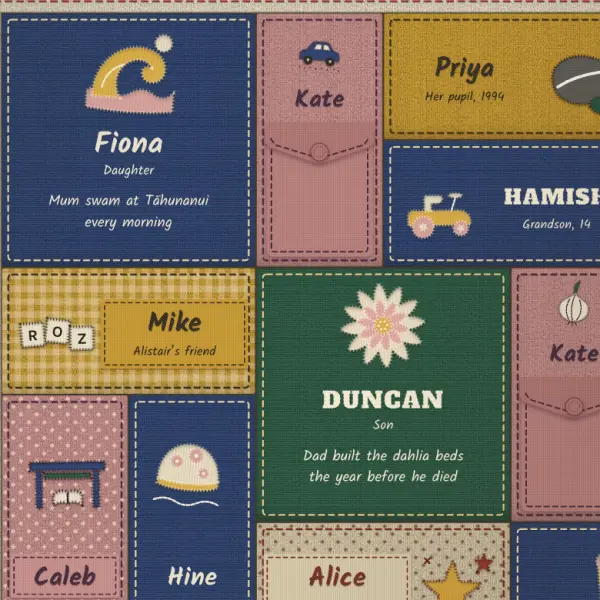
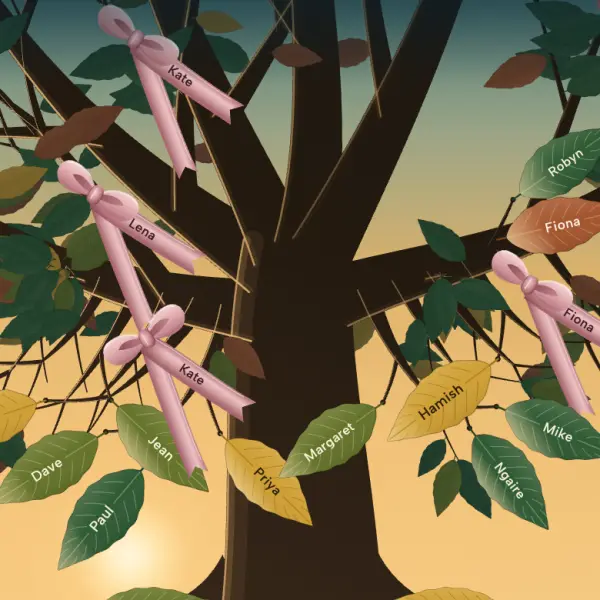
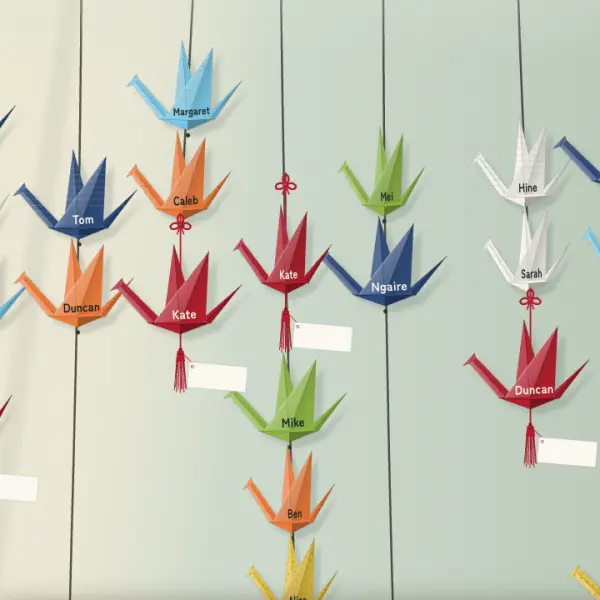
A quilt, a tree, lights on the water or a gathering of paper cranes. You choose the setting. Every memory belongs to the same page.
 Explore this setting
 The Quilt
Stories stitched together, each one a small part of a life.
 Explore this setting
 The Tree
A gathering of memories, held among leaves and ribbons.
 Explore this setting
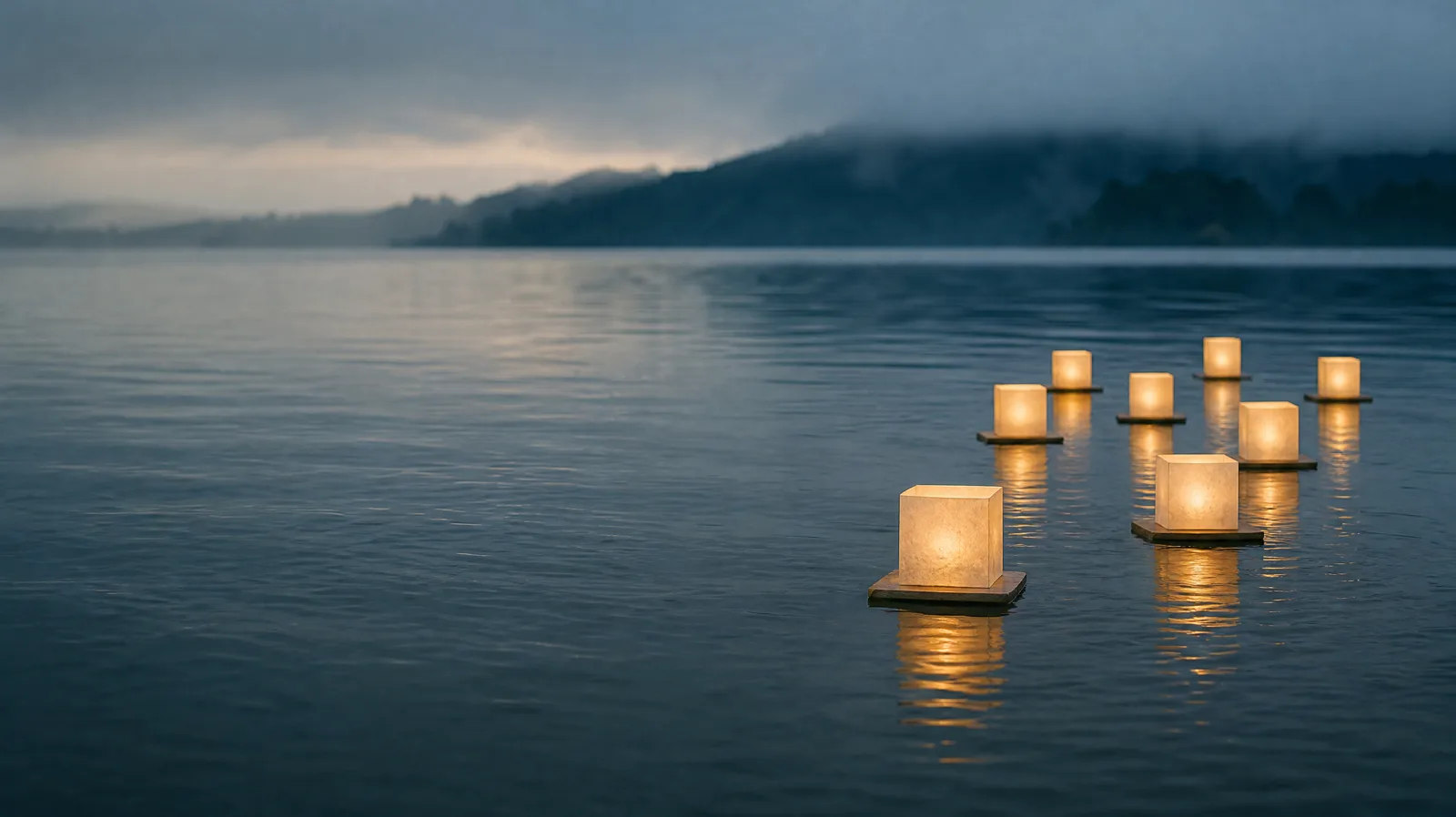
 Lanterns on the Water
A light for every memory, floating gently on the water.
 Explore this setting
 A Thousand Cranes
Memories held in paper wings, hanging together in the light.
The examples use fictional memories. You can change your page’s setting later; every memory stays.
In the family’s hands
A gentle place.
Your care.
Some memories are for everyone who visits. Others are just for the family. The person leaving a memory can choose, and your family decides when it joins the page.
- New memories wait for your approval
- Family-only words and photos stay with family admins
- Invite someone close to help look after the page
A few things you might wonder
Here when
you’re ready.
Already received an invitation?
Open the link the family sent you.
What is a remembrance page?
A place to bring together memories of someone who has died. People with the family's invitation link can leave words and photos, and return to read the memories the family has approved.
Do people need an account to leave a memory?
No. They open the invitation link and leave a memory. They give their name, and can add an email if they wish. Organisers and the family who help look after the page sign in with an email link, without a password.
Who can see the page?
The page is shared by invitation and kept out of search results. Anyone who receives the invitation link can visit, so share it with care. Contributors can choose to share a memory with everyone who visits or just with the family who look after the page.
Can we add photos and longer stories?
Yes. A memory can be several paragraphs, with up to six photos. Short moments and longer stories both have a place.
Can the family choose what appears?
Yes. Each new memory waits for the organiser or a family admin to review it. Approved memories join the page. The organiser can invite family members to help with that care.
Can we change the setting later?
Yes. The person who sets up the page chooses its setting and can change it later. All the memories stay. Everyone visiting a real page sees the same setting.

One memory is enough to begin